Choose a frame.
Set your canvas, fit and margin once for the whole batch.
 stillset
Frame, crop and export product photos together.
Keep every composition in view.
Illustrative generated samples
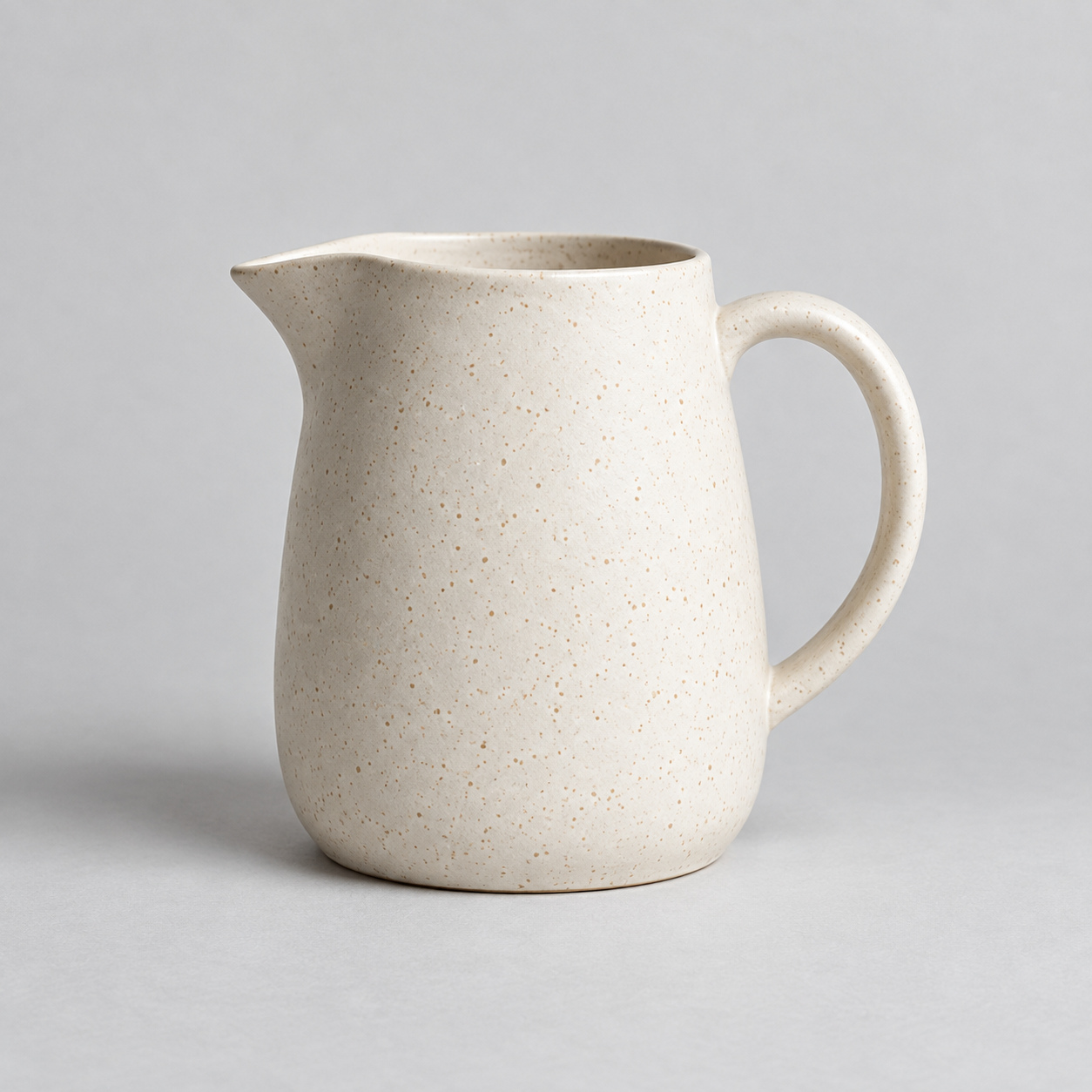
Original1254 × 1254
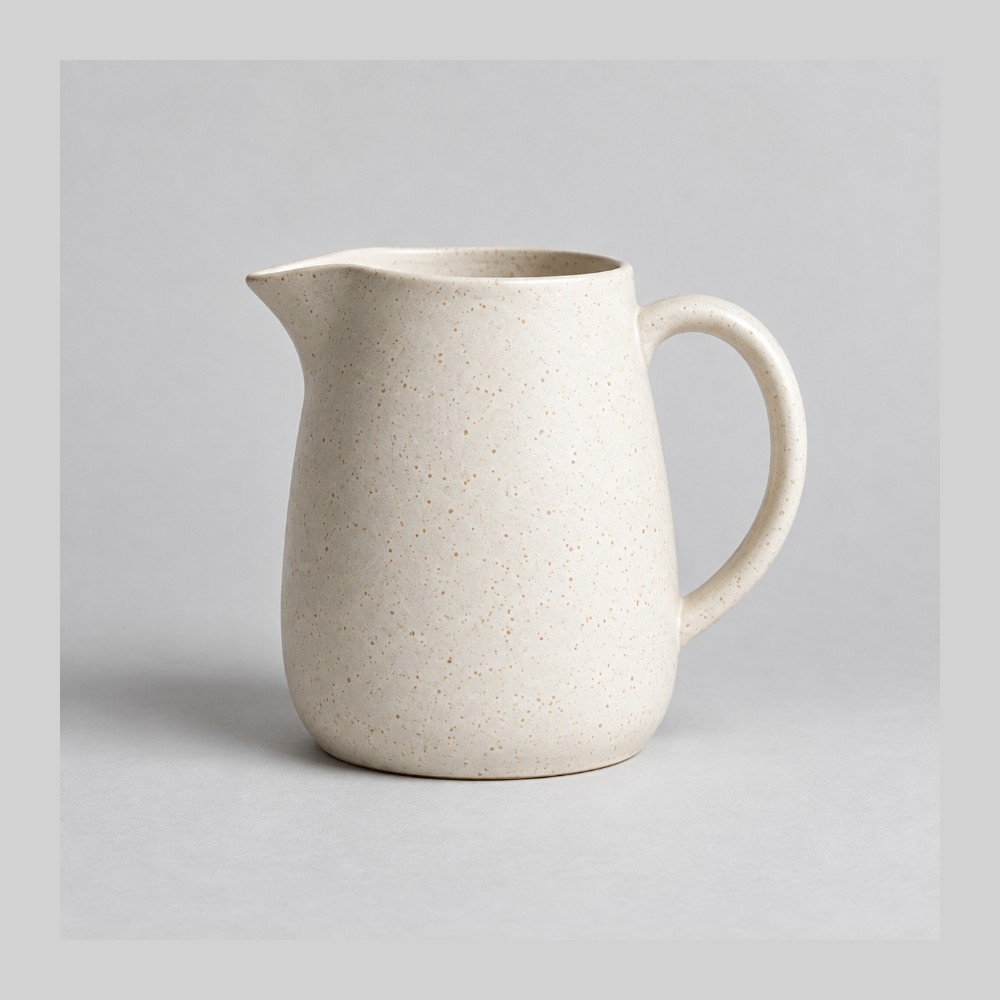
Framed1000 × 1000
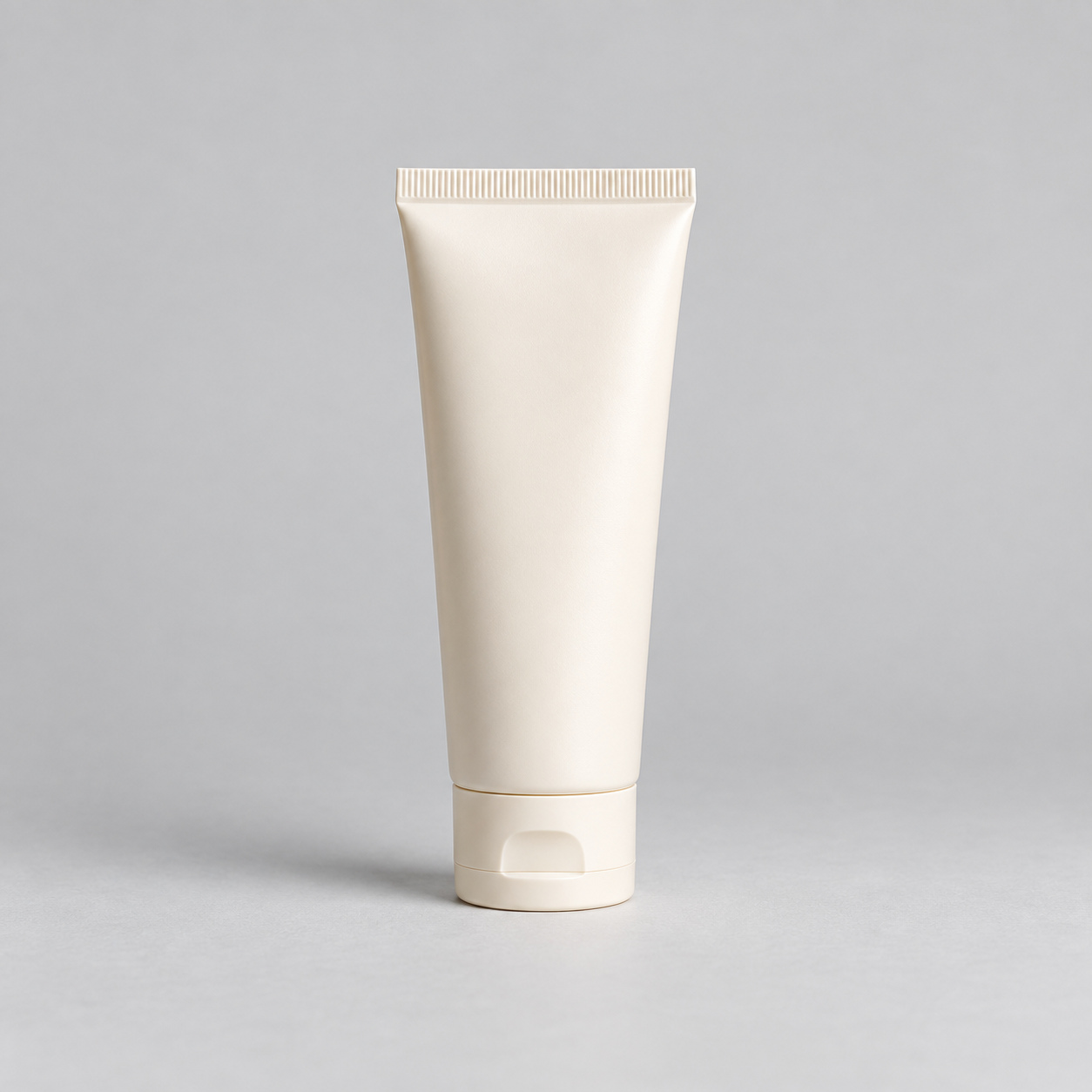
Original1254 × 1254
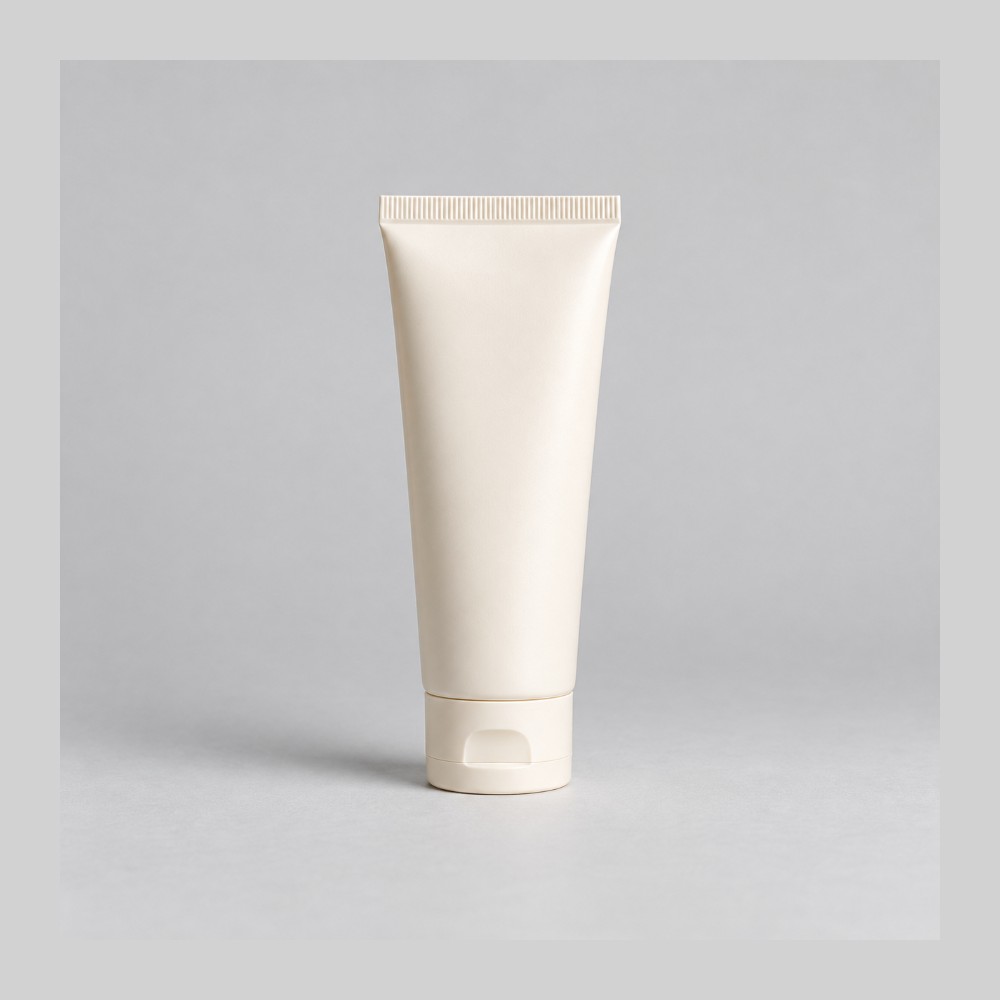
Framed1000 × 1000
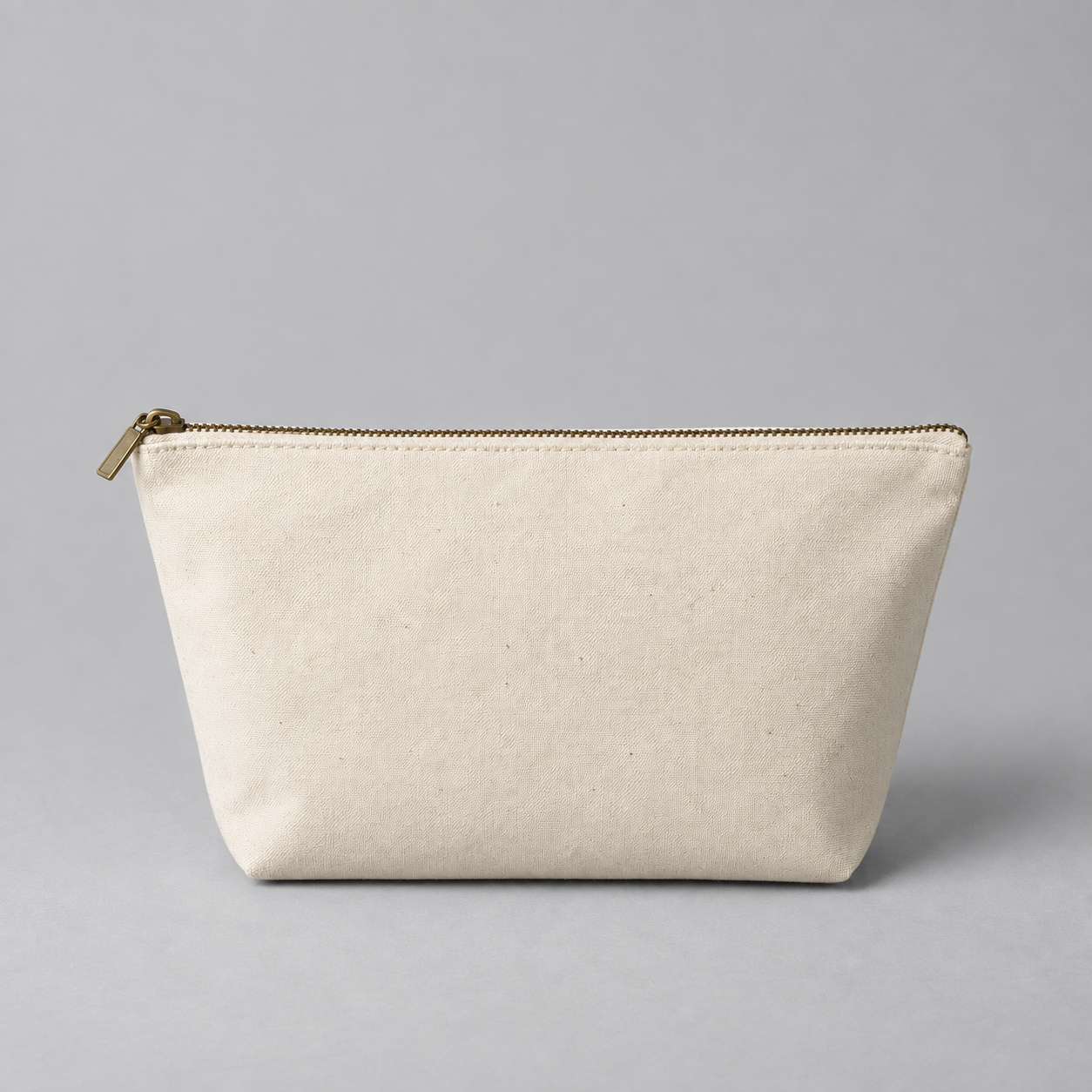
Original1254 × 1254
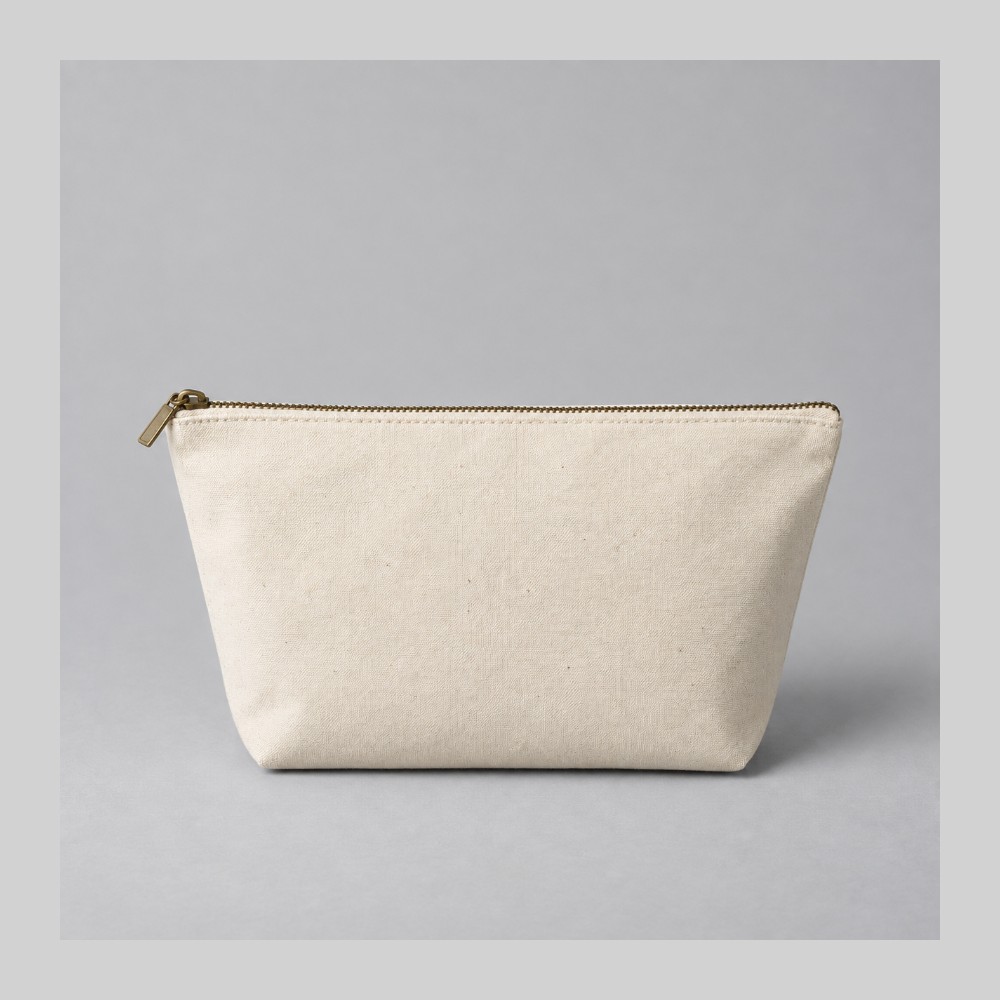
Framed1000 × 1000
Local sample demo. Your own files stay in your browser workspace.
Set your canvas, fit and margin once for the whole batch.
See each image framed the same way, with the original for comparison.
Get a consistent set, ready for your store.
Simple tools. A clearer view. Consistent results.
THE COMPOSITION IS YOURS
Contain keeps the whole image inside your canvas. Cover fills the frame, with a focal point you can adjust for each photo.
Explore the framing controls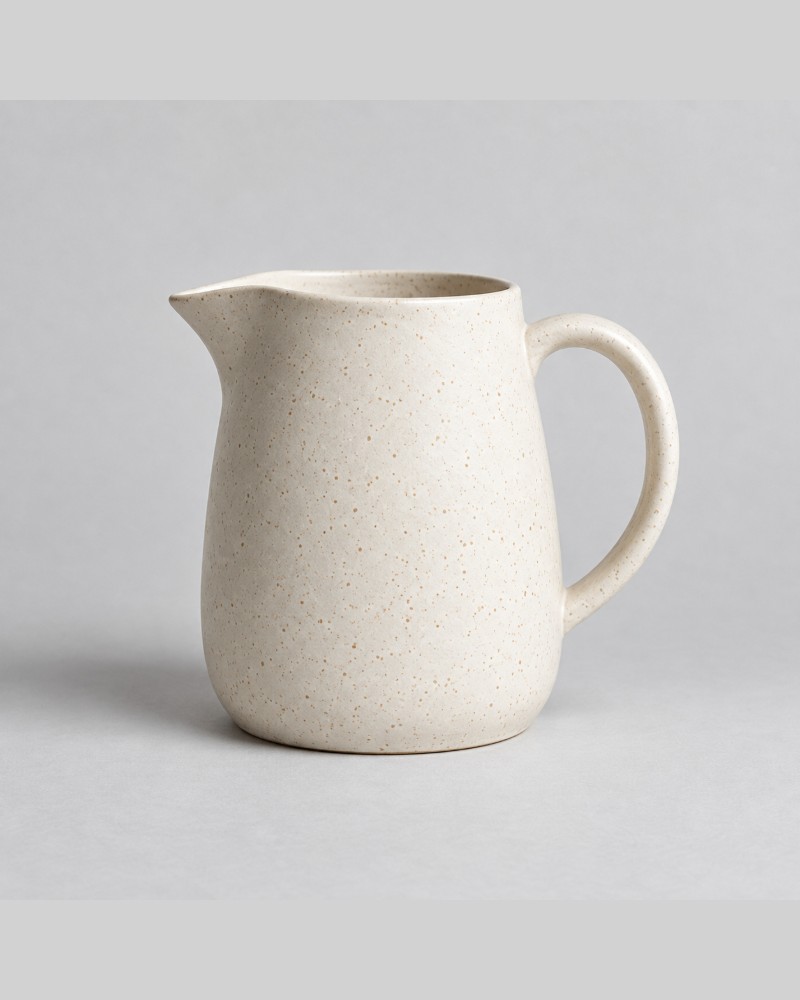
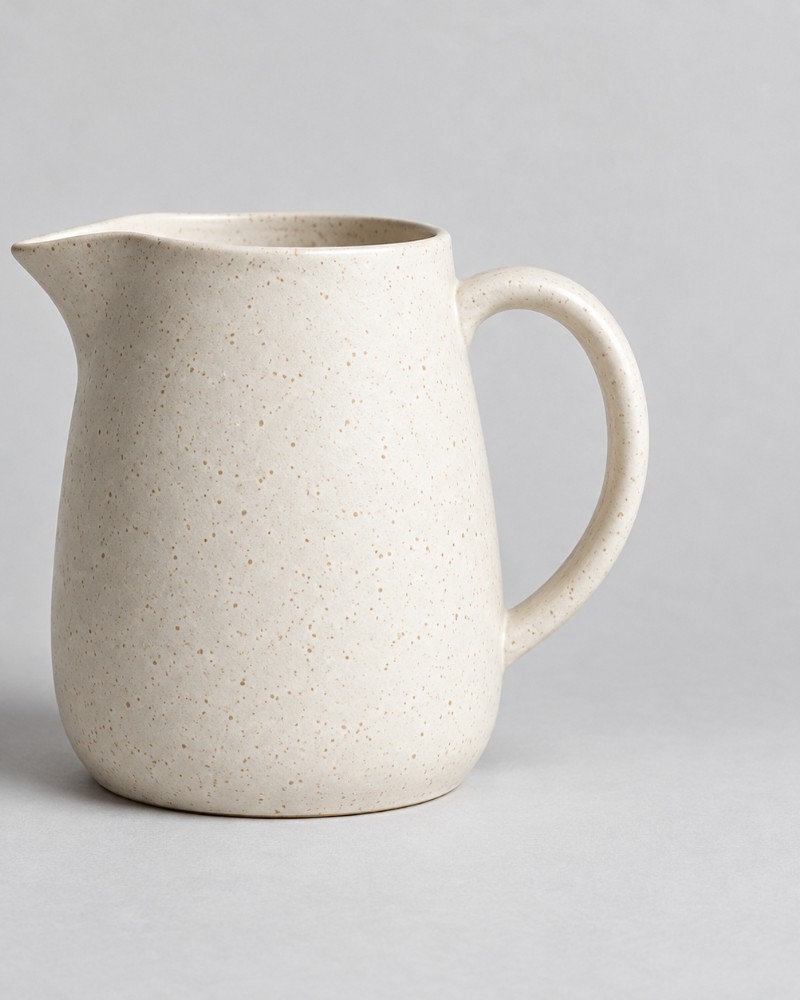
FROM FIRST FRAME TO FINAL FILE
Choose one canvas, one background and one output format. Download the finished images together in a ZIP.
Try the sampleProcessing and ZIP creation happen locally. Refresh clears the workspace. Your downloads stay on your device.
Yes. Open the browser workspace and add your own JPEG, PNG or WebP photos without signing in. Your files stay on your device. Process a complete batch of up to 3 images and download its ZIP free; Pro unlocks batches of up to 12 images and saved presets.
Yes. Apply one frame and set of image adjustments across the batch. Pro also lets you save that setup as a reusable preset for your next session.
No. Stillset frames and resizes the photograph you start with. It preserves the image’s background and adds canvas space when you use Contain. It does not remove backgrounds, retouch products or generate replacement photos.
The completed images and a manifest recording the preset, each output size and any errors. If you cancel a batch, you can download the images that finished before cancellation.
These are original AI-generated, unbranded sample photographs, created to illustrate framing. They are not customer products, endorsements or examples of background removal.